chakyiu-blog
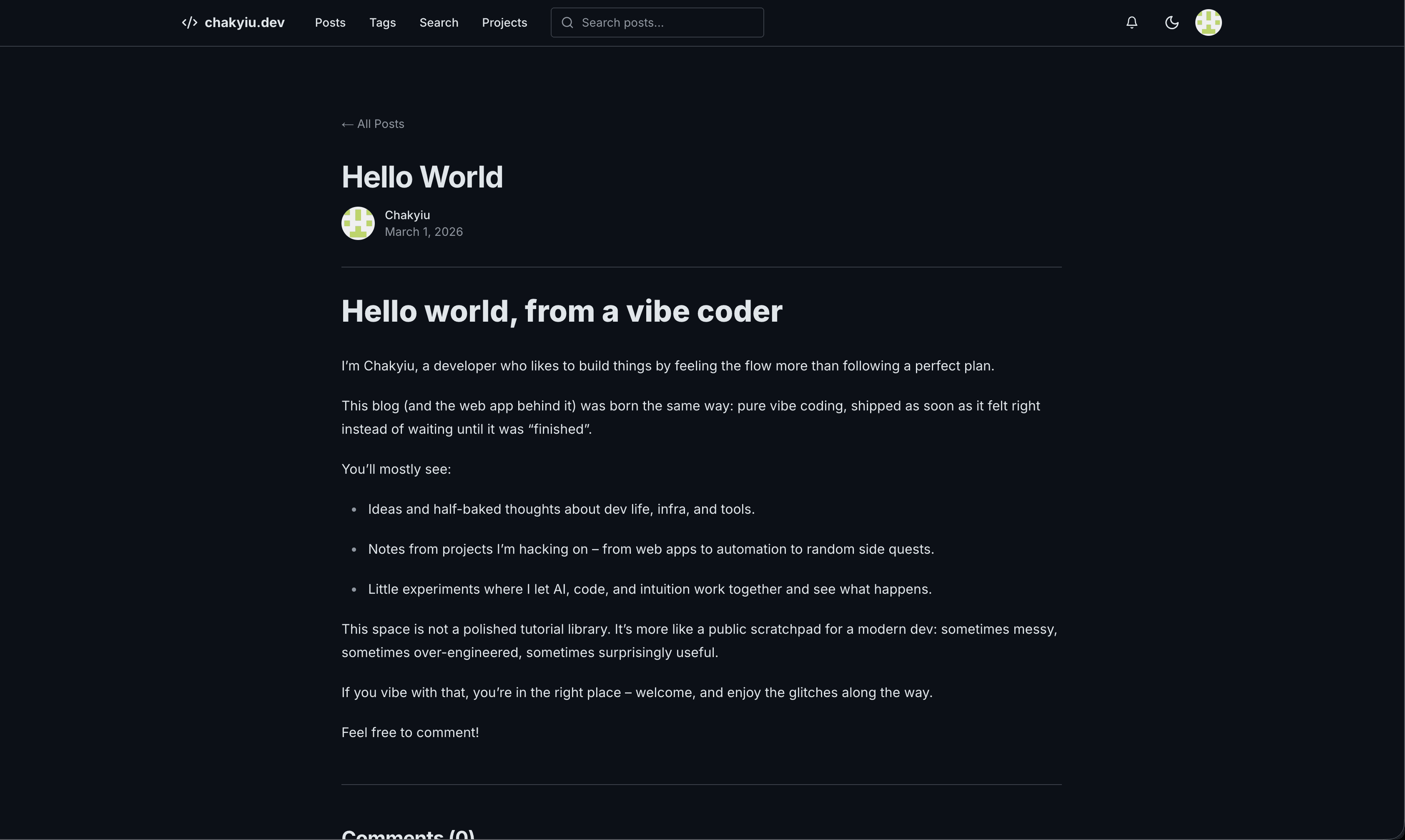
A developer blog built with Next.js 16 and Bun. It prioritizes speed, simplicity, and a clean reading experience.
Chakyiu Blog
A developer blog built with Next.js 16 and Bun. It prioritizes speed, simplicity, and a clean reading experience.
Features
- Next.js 16 App Router: High performance server components and layouts.
- Markdown Support: Write posts in Markdown with Shiki syntax highlighting.
- Cover Images: Upload or link cover images for posts and projects.
- Project Showcase: Dedicated section for projects with GitHub README auto-import.
- Instant Search: Full-text search powered by PostgreSQL tsvector.
- Complete Auth: Email, password, and GitHub OAuth support via Auth.js v5.
- Admin Dashboard: Secure management of posts, projects, tags, comments, and users.
- Comments: Built-in reply system with XSS protection.
- Notifications: Real-time alerts for user interactions.
- Media Management: Simple image upload system for blog posts and projects.
- SEO Ready: Automated RSS 2.0 feed, dynamic sitemap, Open Graph tags, JSON-LD structured data, and
robots.txt. - Theme Support: Built-in dark and light modes with consistent typography.
Tech Stack
- Framework: Next.js 16
- Runtime: Bun
- Styling: Tailwind CSS v4 and shadcn/ui
- Database: PostgreSQL with Drizzle ORM
- Authentication: Auth.js v5
- Icons: Lucide React
Prerequisites
- Bun v1.1 or higher
- Node.js v20 or higher
- PostgreSQL 15 or higher
Local Setup
Follow these steps to run the blog on your machine.
-
Clone the repo
git clone https://github.com/chakyiu/chakyiu-blog.git -
Install dependencies
bun install -
Set up environment
cp .env.example .env.localOpen
.env.localand add your secrets. -
Prepare the database
bun run migrate -
Start development
bun run dev
Visit http://localhost:3000 to see it live.
Environment Variables
| Name | Description | Required |
|---|---|---|
DATABASE_URL |
PostgreSQL connection string. Example: postgres://postgres:postgres@localhost:5432/blog. |
Yes |
AUTH_SECRET |
Secret key for session security. Generate one using bunx auth secret. |
Yes |
AUTH_GITHUB_ID |
GitHub OAuth client ID. | No |
AUTH_GITHUB_SECRET |
GitHub OAuth client secret. | No |
NEXT_PUBLIC_BASE_URL |
Your site's primary URL for RSS, sitemap, and SEO links. | Yes |
NEXT_PUBLIC_GSC_VERIFICATION |
Google Search Console verification token. See SEO & Google Indexing. | No |
Available Scripts
bun run dev: Start the local development server.bun run build: Build the app for production.bun run start: Run the production server.bun run migrate: Run database migrations.bun test: Execute the test suite.
Docker
Run the entire stack using Docker Compose.
docker-compose up --buildThis command builds the container and starts the blog with a PostgreSQL database. Data is persisted in a volume called pg_data.
Project Structure
src/app: Page routes and layouts.src/components: UI components and building blocks.src/lib: Database schemas, auth config, and helpers.src/hooks: Custom React hooks.public: Static files and images.
Routes
Public
/: Home page with post list/posts/[slug]: Detailed blog post view/projects: Project showcase/projects/[slug]: Detailed project view/search: Site-wide search/feed.xml: RSS 2.0 feed/sitemap.xml: XML sitemap for search engines/robots.txt: Crawler directives/api/health: Health check endpoint
User
/auth/login: Login page/auth/register: Signup page/notifications: Personal notification feed/history: Comment history/settings: Profile and account settings
Admin
/admin: Main dashboard/admin/posts: Post management/admin/projects: Project management/admin/tags: Tag management/admin/comments: Comment moderation/admin/users: User management
SEO & Google Indexing
The blog includes a full SEO setup out of the box:
robots.txt— served frompublic/robots.txt. Allows all public routes and blocks/admin/,/api/,/auth/. Points crawlers to the sitemap./sitemap.xml— dynamic route (src/app/sitemap.ts) that queries the DB at runtime and lists all published posts and projects. Updates automatically as you publish.- Open Graph & Twitter cards — generated per-page via Next.js metadata API.
- JSON-LD —
BlogPostingstructured data injected on every post page. - RSS feed — available at
/feed.xml.
Getting indexed by Google
- Deploy the site so
https://your-domain/sitemap.xmland/robots.txtare publicly accessible. - Go to Google Search Console and add your site as a URL-prefix property.
- Choose the HTML tag verification method and copy the token value.
- Add it to your environment:
NEXT_PUBLIC_GSC_VERIFICATION=your-token-here - Redeploy, then click Verify in Search Console.
- Navigate to Sitemaps and submit
https://your-domain/sitemap.xml. - Use the URL Inspection tool to request indexing for your homepage and key posts.
The token is intentionally kept out of source code. It is public (rendered in HTML) but should not be committed to a public repository.
Contributing
Pull requests are welcome. For major changes, please open an issue first to discuss what you want to change.